
OOF2: The Manual
| OOF.ElementSelection.Select_by_Material | ||
|---|---|---|

|
6.2. Menus |  |
Name
OOF.ElementSelection.Select_by_Material — Select all Elements with a given Material.
Synopsis
OOF.ElementSelection.Select_by_Material(skeleton, material)
Details
- Parent Menu: OOF.ElementSelection
-
Callback: function
modifyin moduleooflib.engine.skeletonselectionmod -
Parameters:
skeleton- Type: The path to an existing
Skeletonobject. material- Select elements with this material. Type: A character string.
Description
Select Skeleton Elements whose Material is named by the
material parameter. An Element's Material is
the Material assigned to the dominant
pixel in the set of Microstructure pixels underlying the Element.
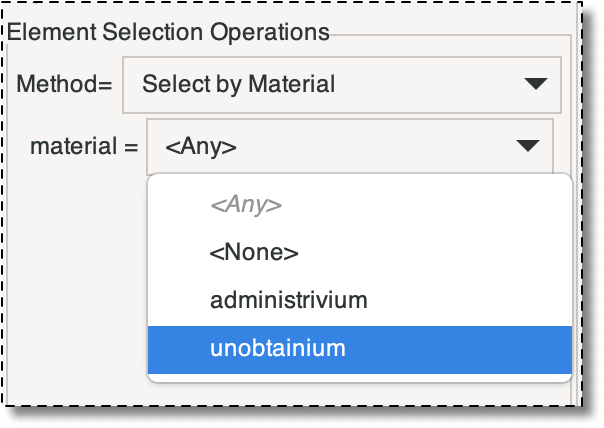
In the GUI, the pull down menu for the material
parameter includes all of the defined Materials as well as the
strings <Any> and
<None>. If material
is set to '<None>', then Elements with
no Material will be selected. This can happen only if there are
pixels in the Microstructure with no assigned Material. If
material is '<Any>',
then Elements with any Material will be selected. Choosing Elements
with '<Any>' is exactly like choosing
them with '<None>' and then Inverting
the selection.
|
|
 |
|
| OOF.ElementSelection.Select_by_Homogeneity |  |
OOF.ElementSelection.Select_by_Pixel_Group |