
OOF2: The Manual
| OOF.Image.Modify.Contrast | ||
|---|---|---|

|
6.2. Menus |  |
Name
OOF.Image.Modify.Contrast — Enhance intensity differences.
Synopsis
OOF.Image.Modify.Contrast(image, radius, mode)
Details
- Parent Menu: OOF.Image.Modify
-
Callback: function
doImageModin moduleooflib.image.imagemodifier -
Parameters:
image- Type: The path to an existing
Imageobject. radius- Radius of the pixel neighborhood. Type: Integer.
mode- Operate on RGB channels separately, or only the V from HSV. Type: An object from the
ModifierModeenumerated class.
Description
Enhance intensity differences between the lighter and darker
portions of the given Image. The algorithm is similar to skimage.filters.rank.enhance_contrast
in scikit-image. The scikit-image routine is faster, but the OOF2
version does not reduce the color channels to 8 bits.
In a grayscale image, the minimum and maximum intensities are
found within a circle of the given radius (in
pixel units) around each pixel. The central pixel is replaced with
either the minimum or the maximum, depending on which is closer to
the pixel's original value.
Figure 6.32. Adjusting Contrast in a Grayscale Image
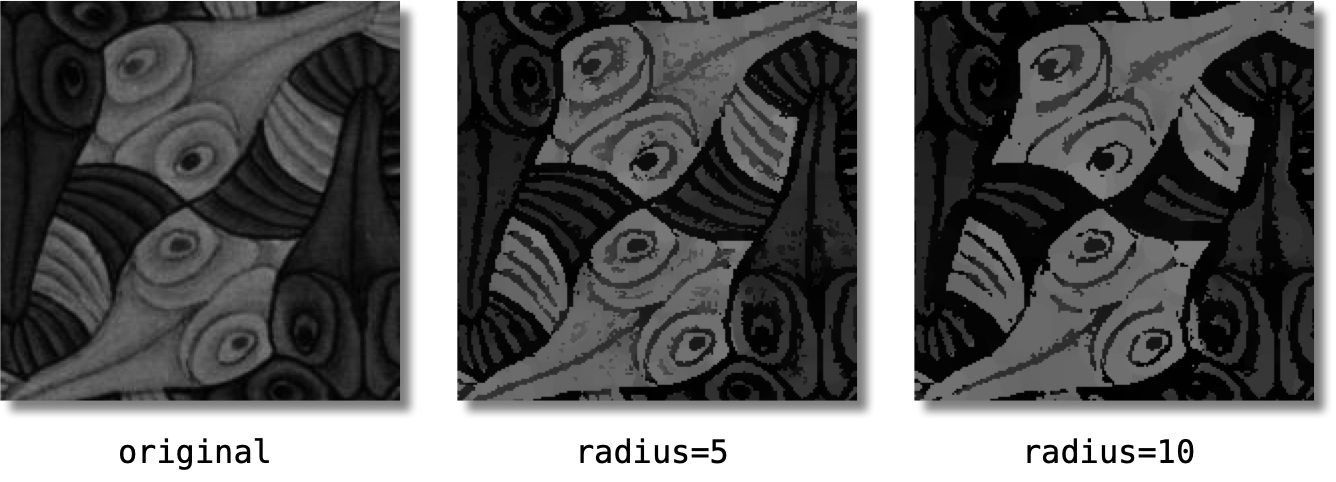
A 200×200 pixel grayscale image, left, and the results of
enhancing its contrast with radius=5 and
radius=10. The larger radius leads to
higher contrast at the expense of detail.
In a color image, the algorithm is applied to the RGB channels
independently if mode is
RGB. If mode is
HSV, the image is converted to HSV format, and
the algorithm is applied only to the V channel.
Figure 6.33. Adjusting Contrast in a Color Image
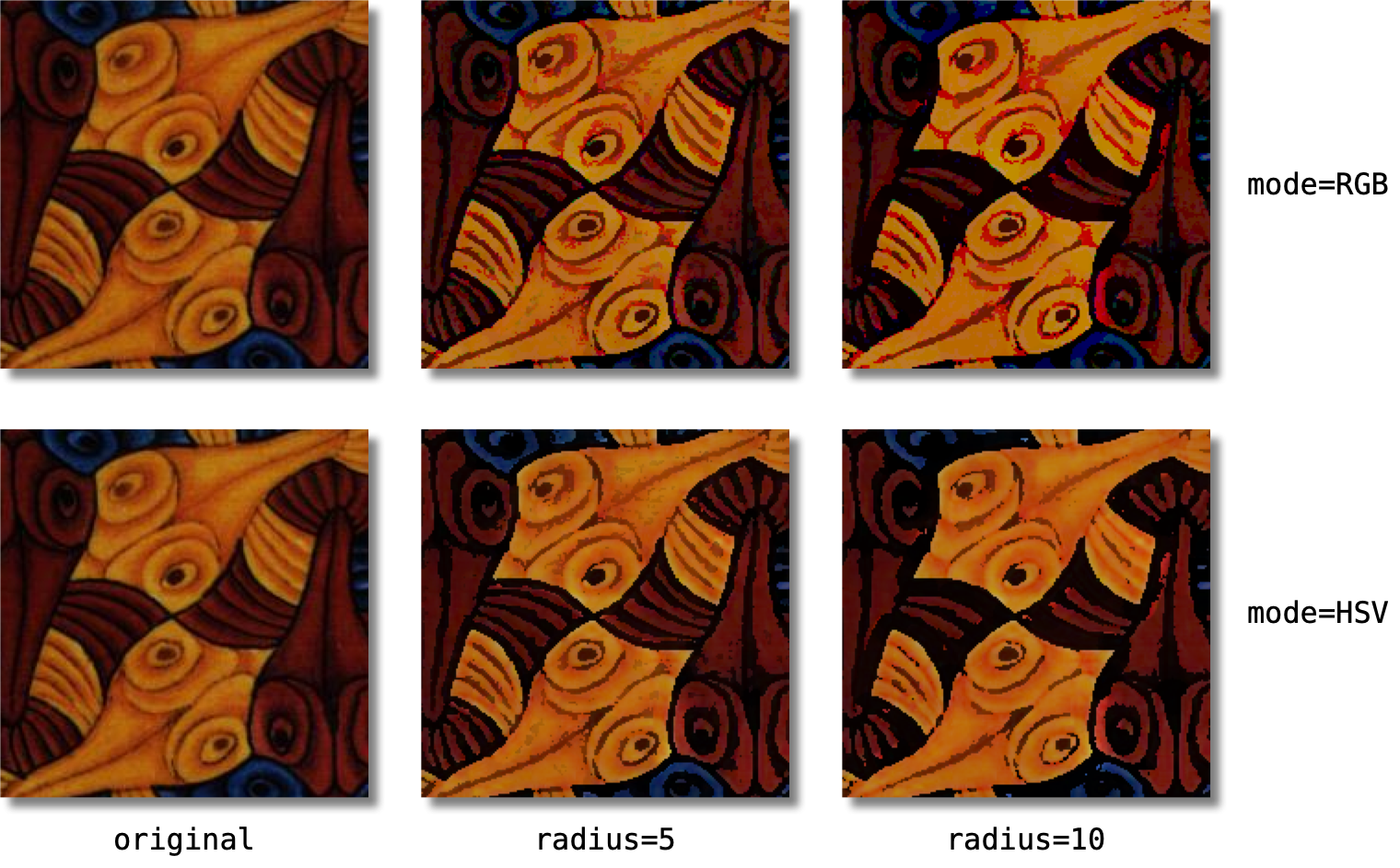
radiuses and different
modes. HSV mode does a better job of
preserving colors.
|
|
 |
|
| OOF.Image.Modify.Blur |  |
OOF.Image.Modify.Denoise |